
Using Deluge Scripting to Create/Update Data in Tabular Sections
Here is our approach for using Deluge scripting to create or update data within tabular sections
Even a non-technical person can easily set it up in just a few steps.

Approach
We can create Deluge Scripting to Create/Update Data in Tabular Sections Zoho People using the following steps.
1. Review Customization Details and Tabular Section Fields
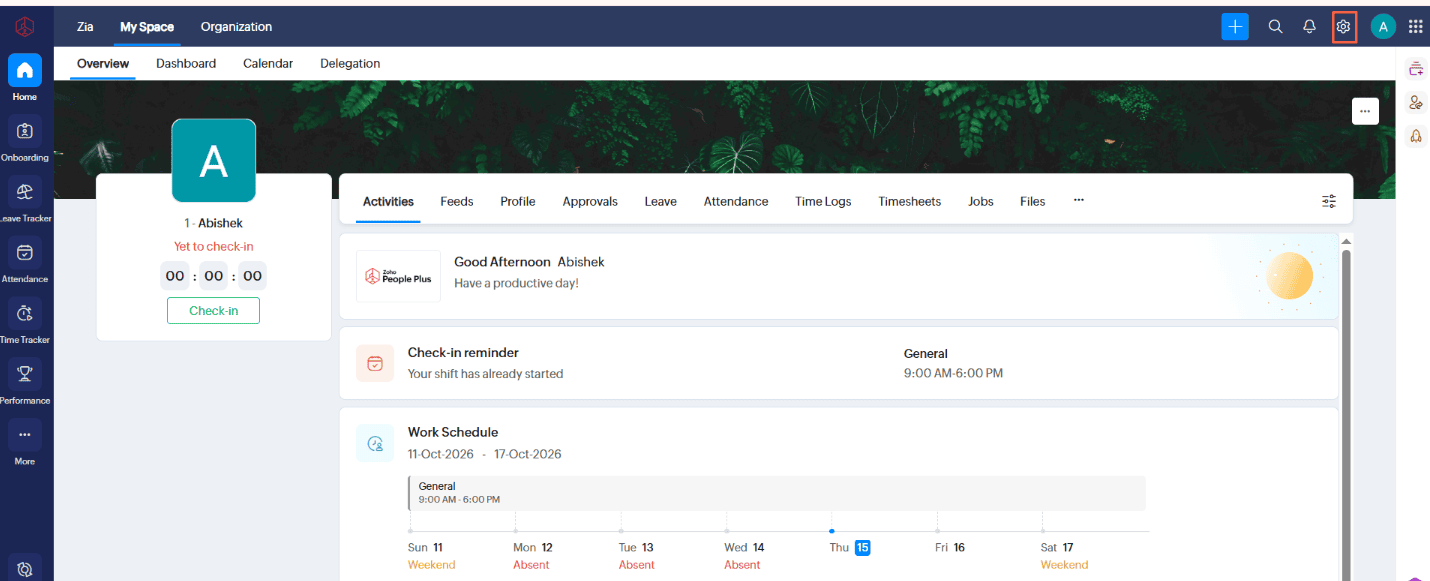
1.1 Navigate to ""Settings""
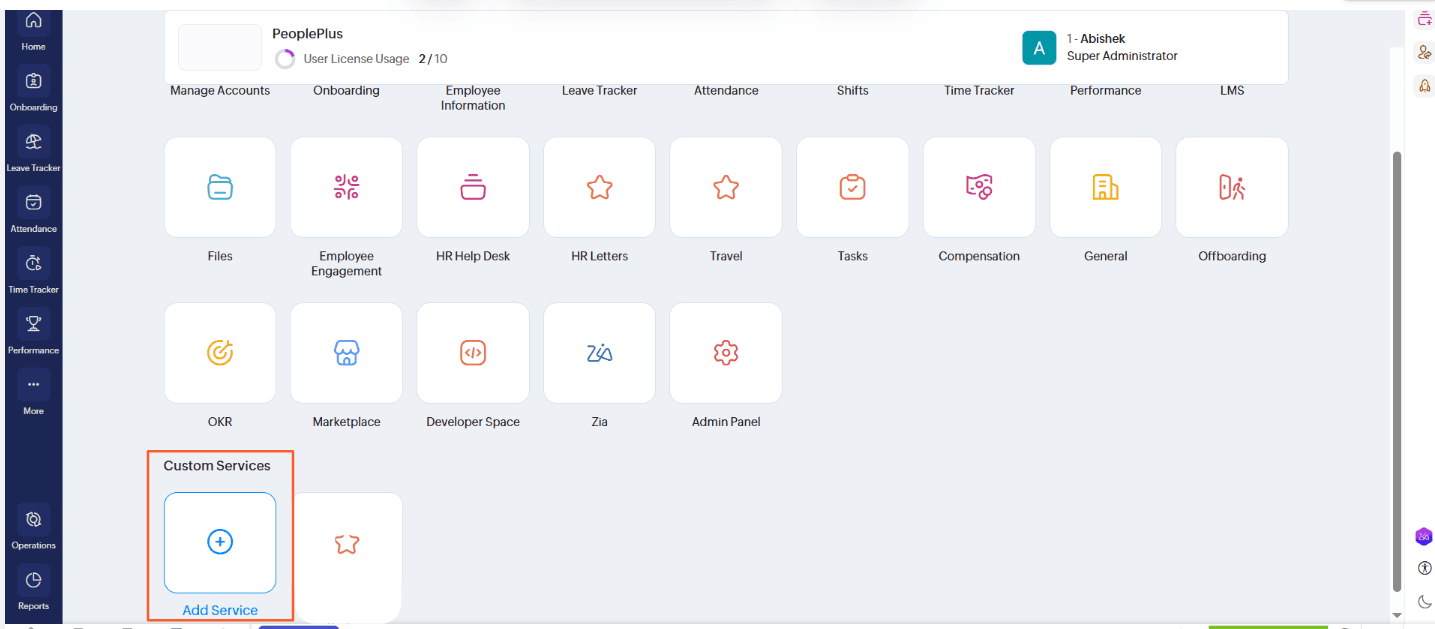
1.2 Under Settings Select '''Custom Service'''
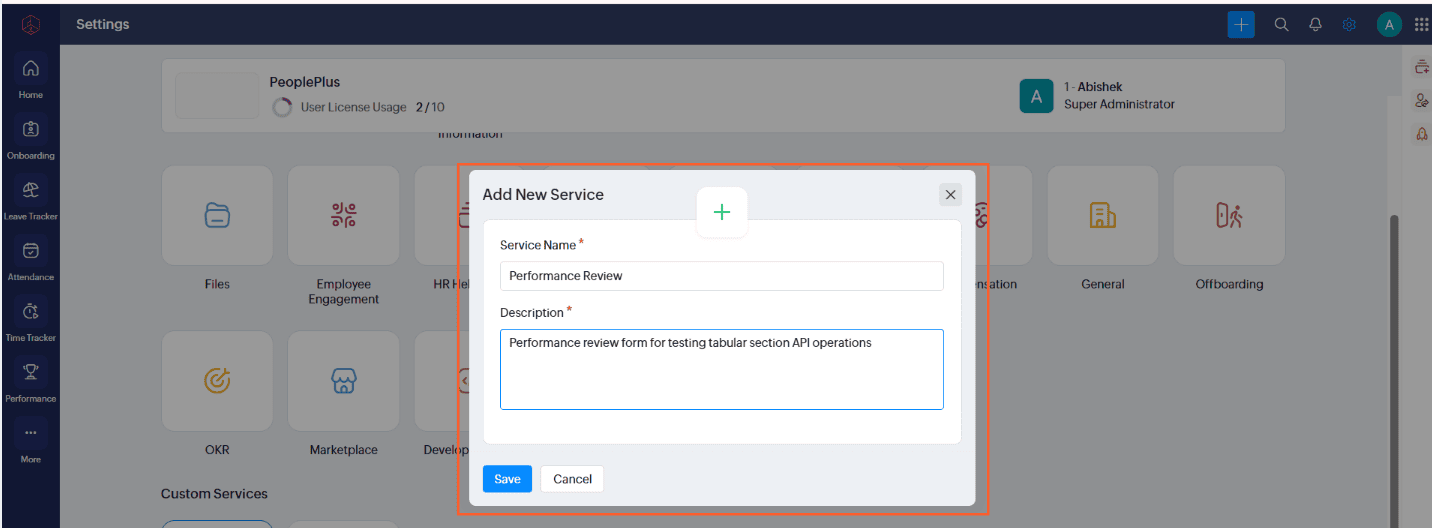
1.3 Enter Service Name And Description
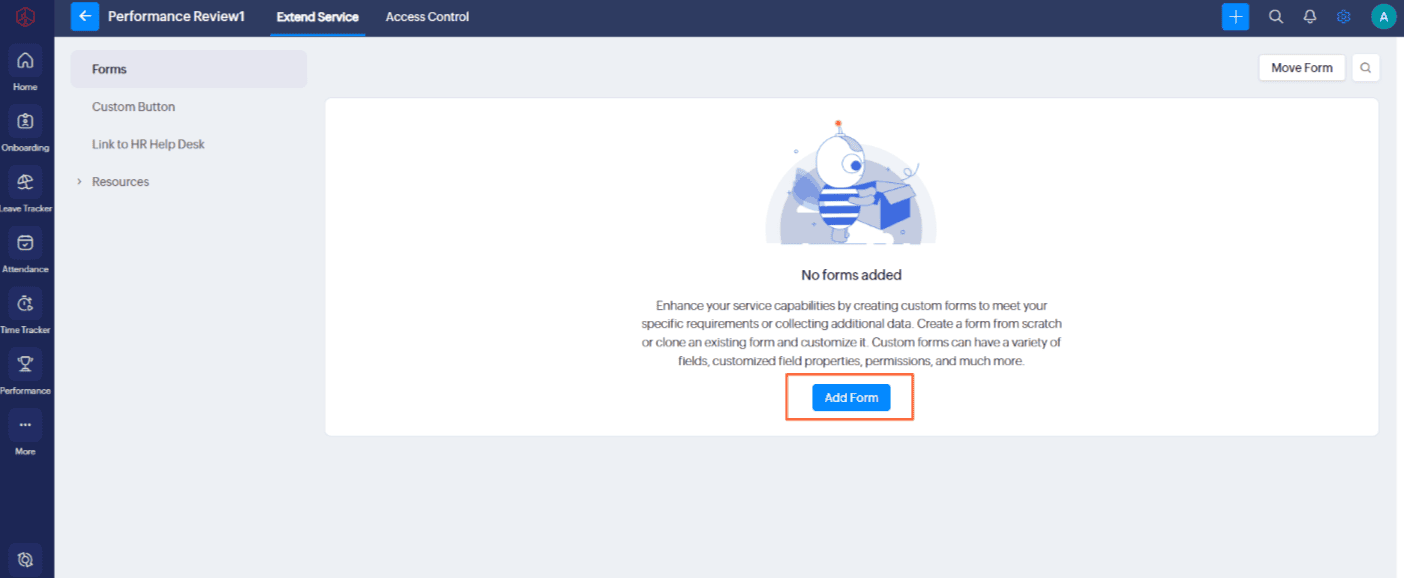
1.4 Click Save And Click ""Add Form""
1.5 Add Form Name And Description
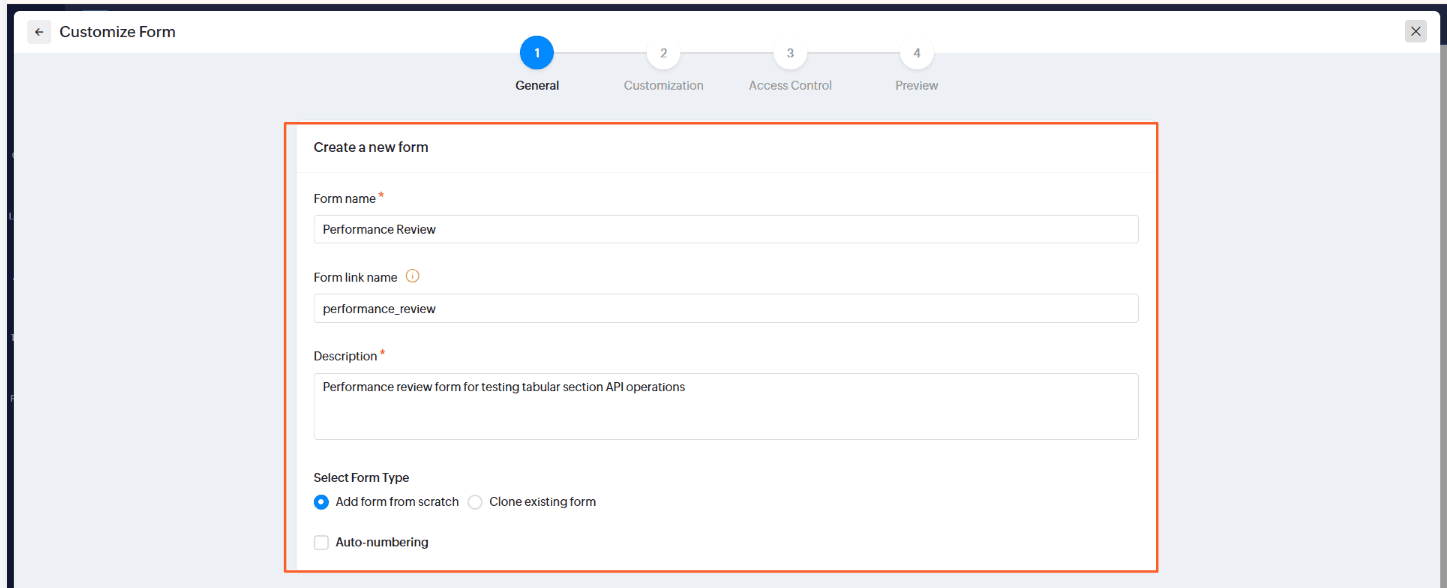
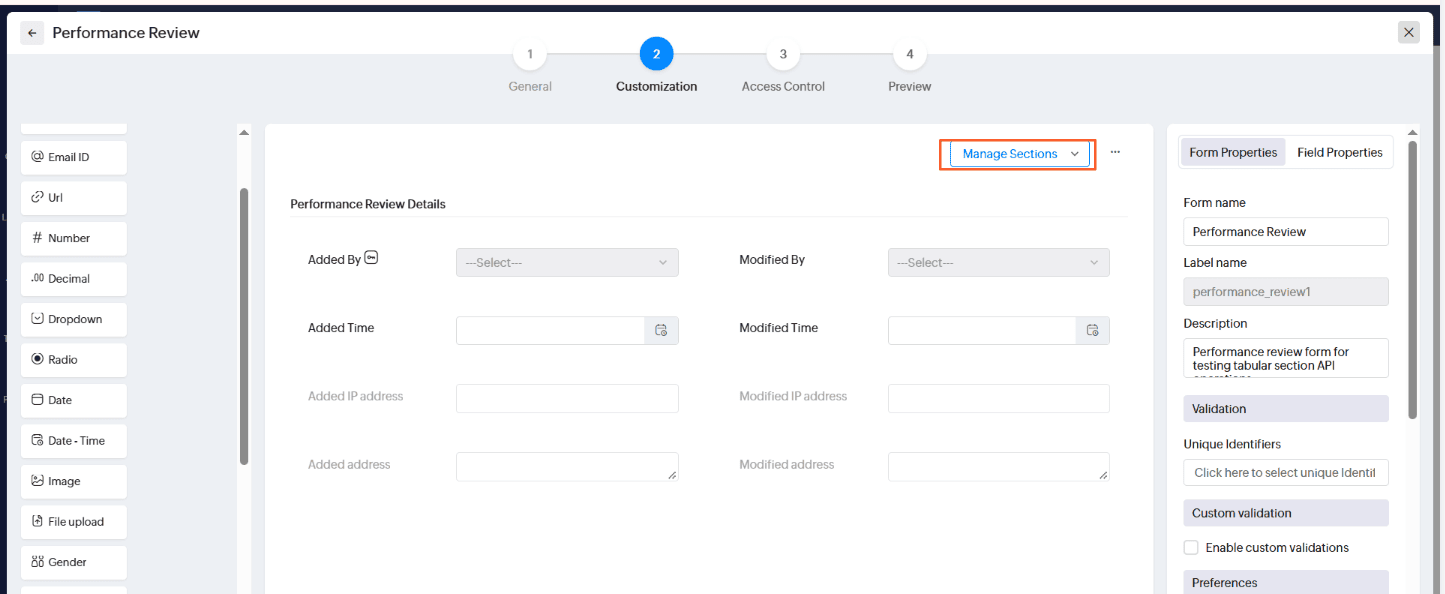
1.6 Click "" Manage Sections ""
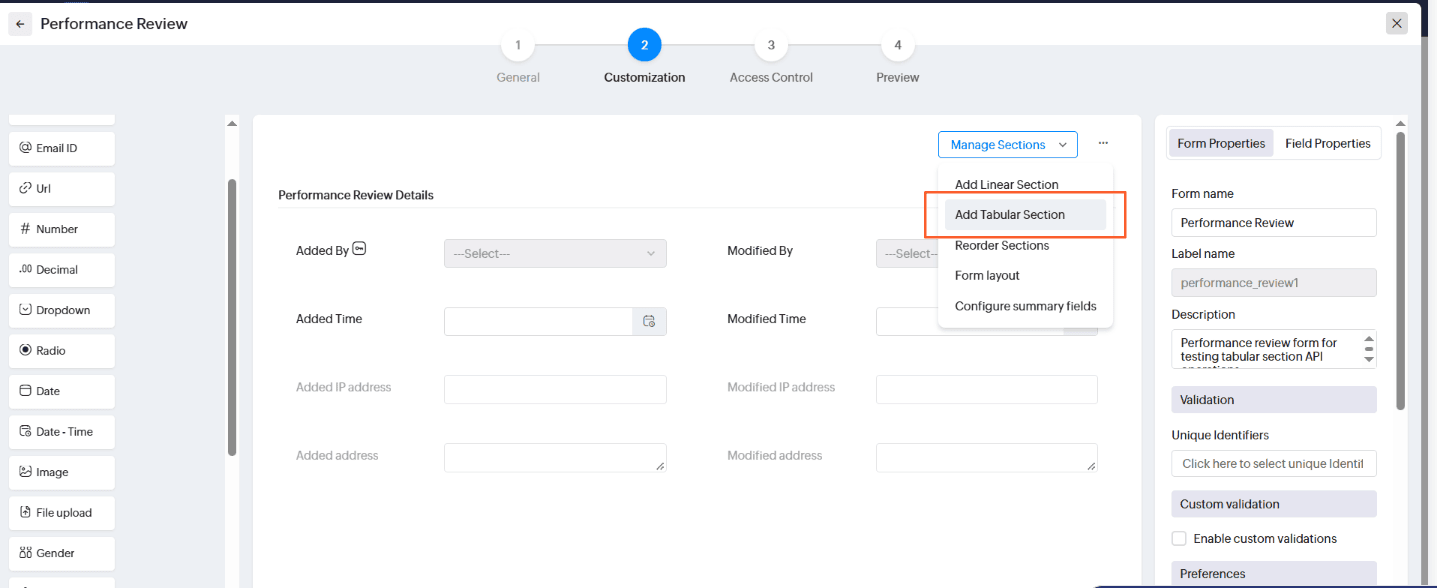
1.7 Click Add Tabular Sections
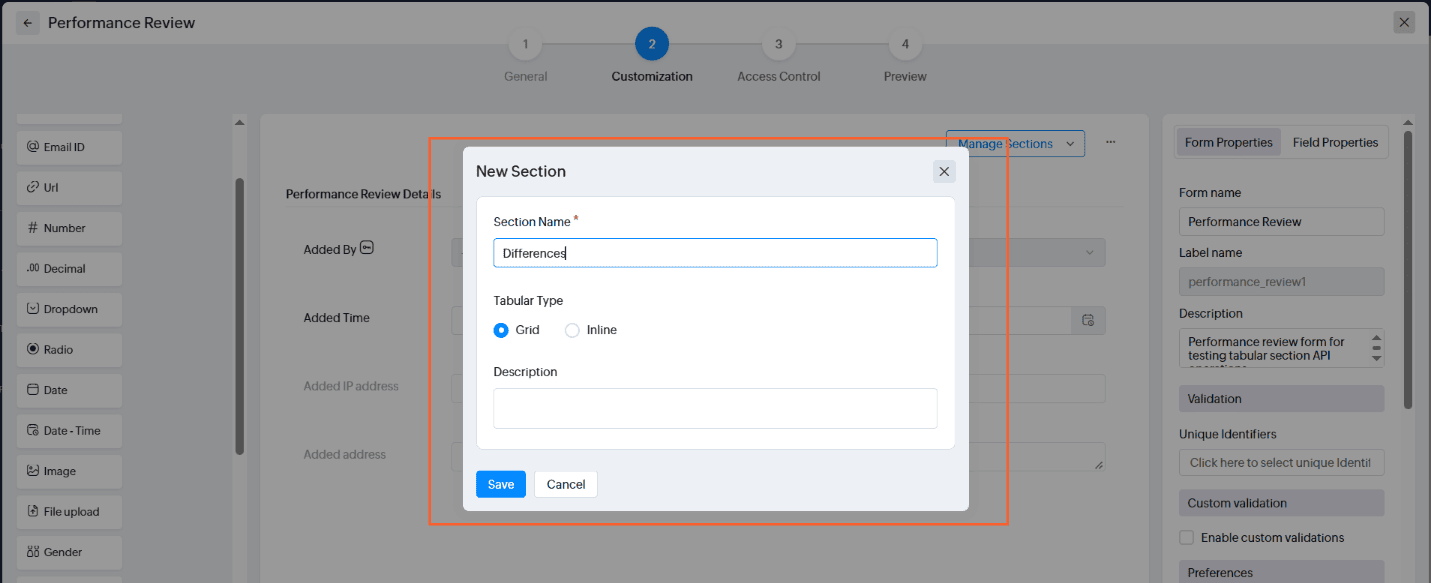
1.8 Add Section Name and Description
1.9 Click ""+"" Button to Add Field
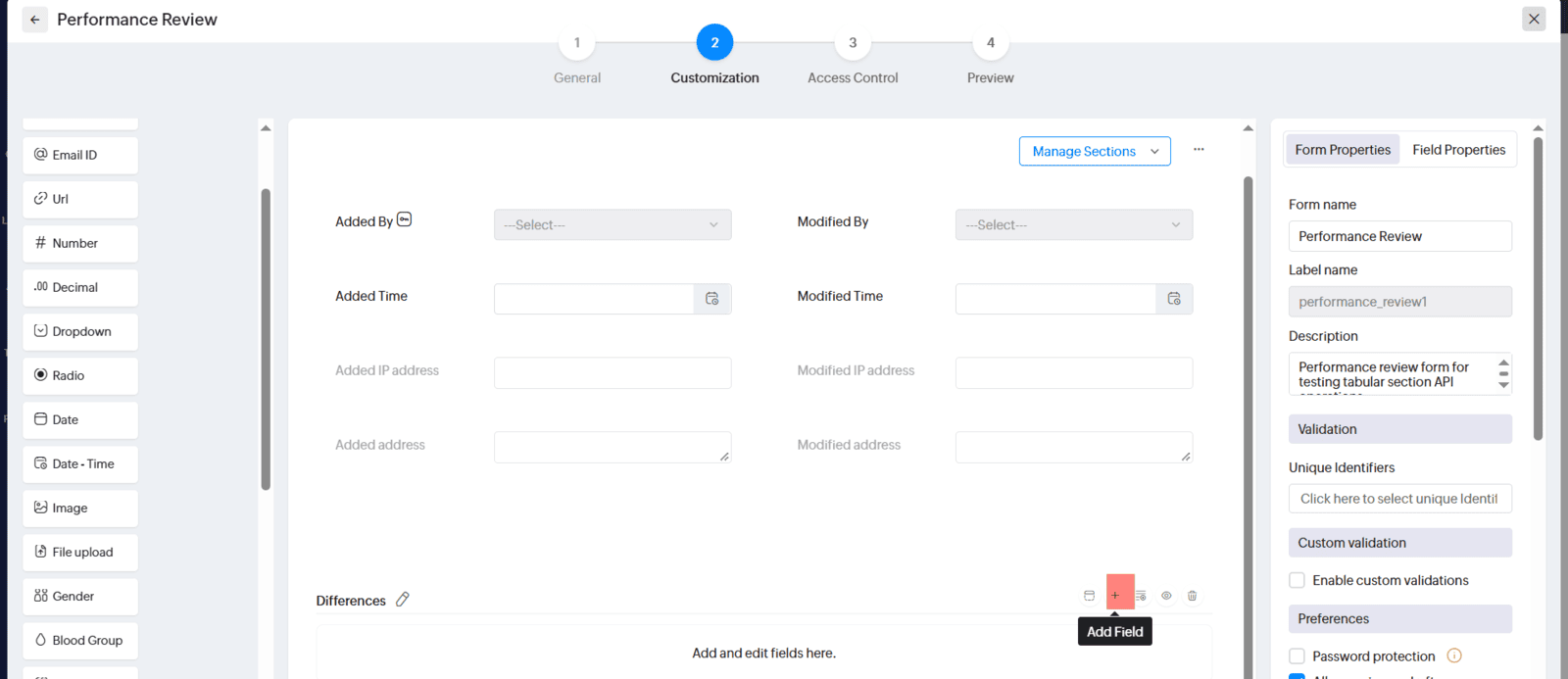
1.10 You can Add Like Your own way
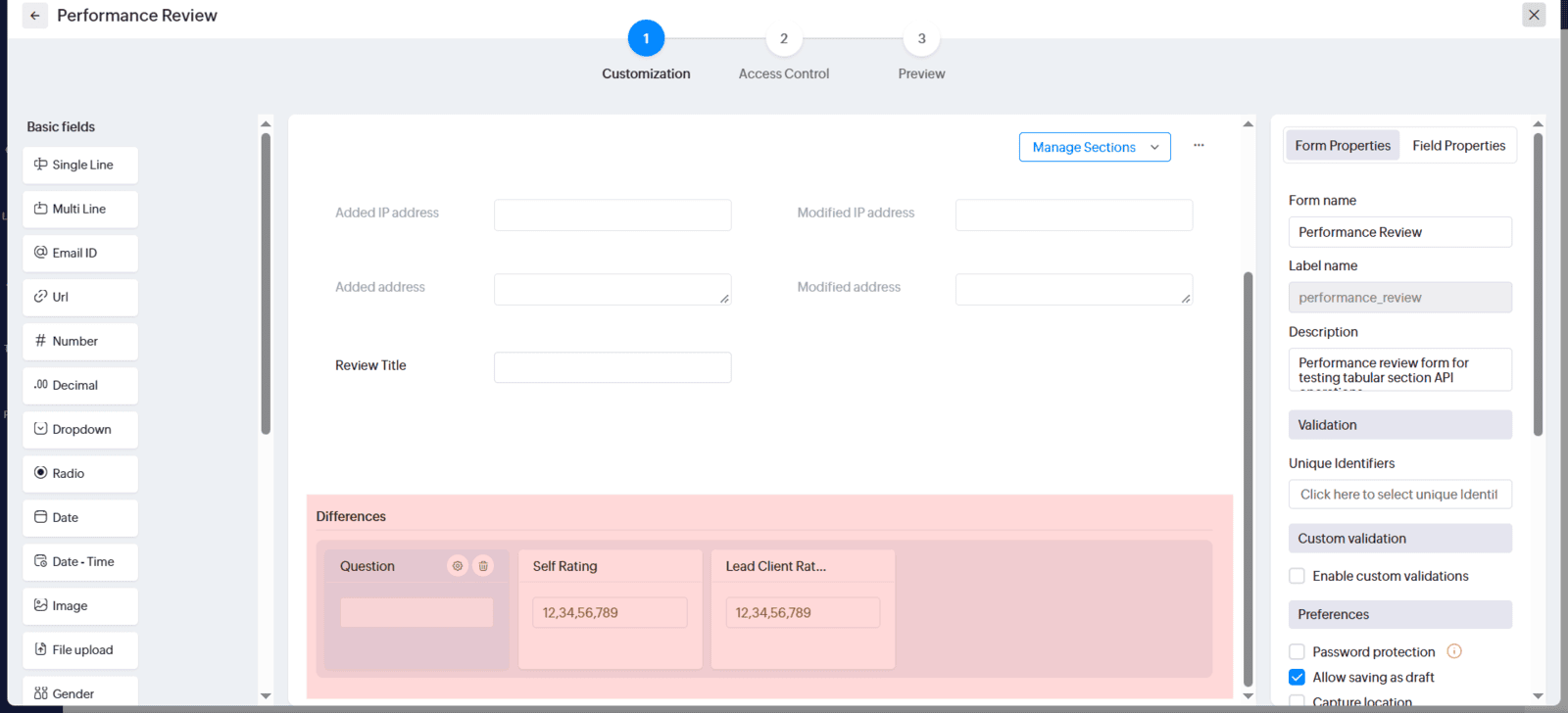
2. Access Standalone Function
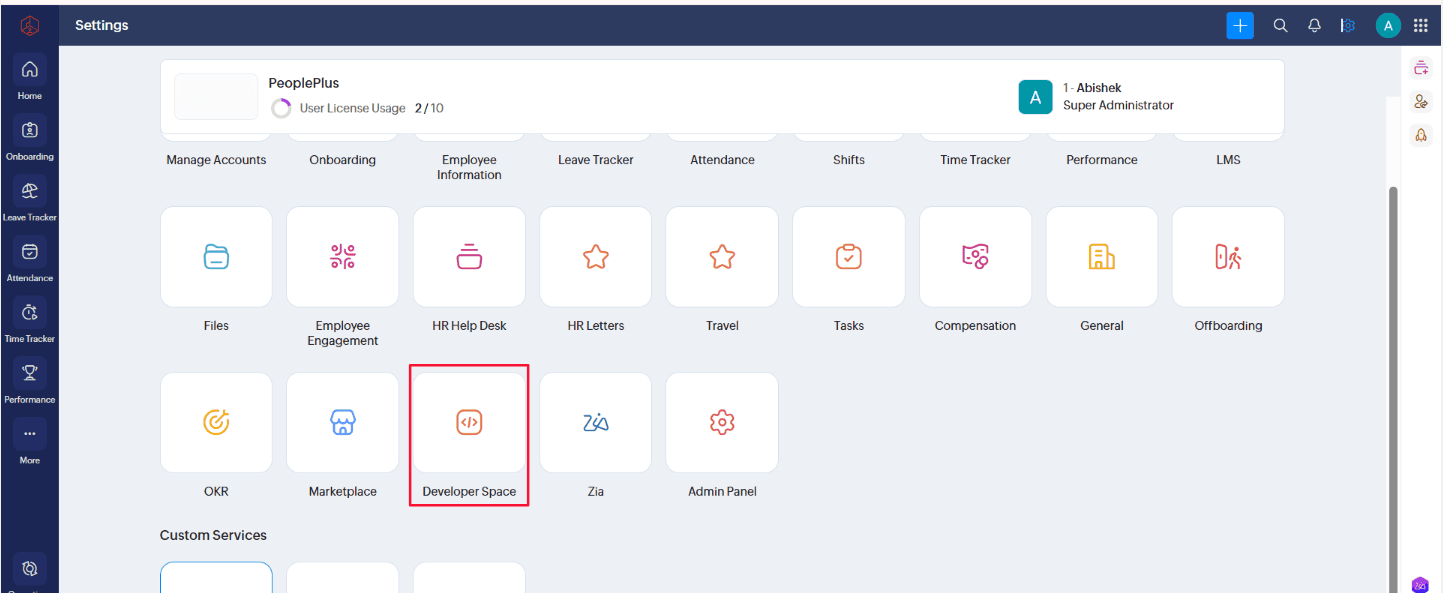
2.1 Return to Settings
2.2 Under Settings Click ""Developer Space""
2.2 Select ""Standalone Function"" From Developer Space
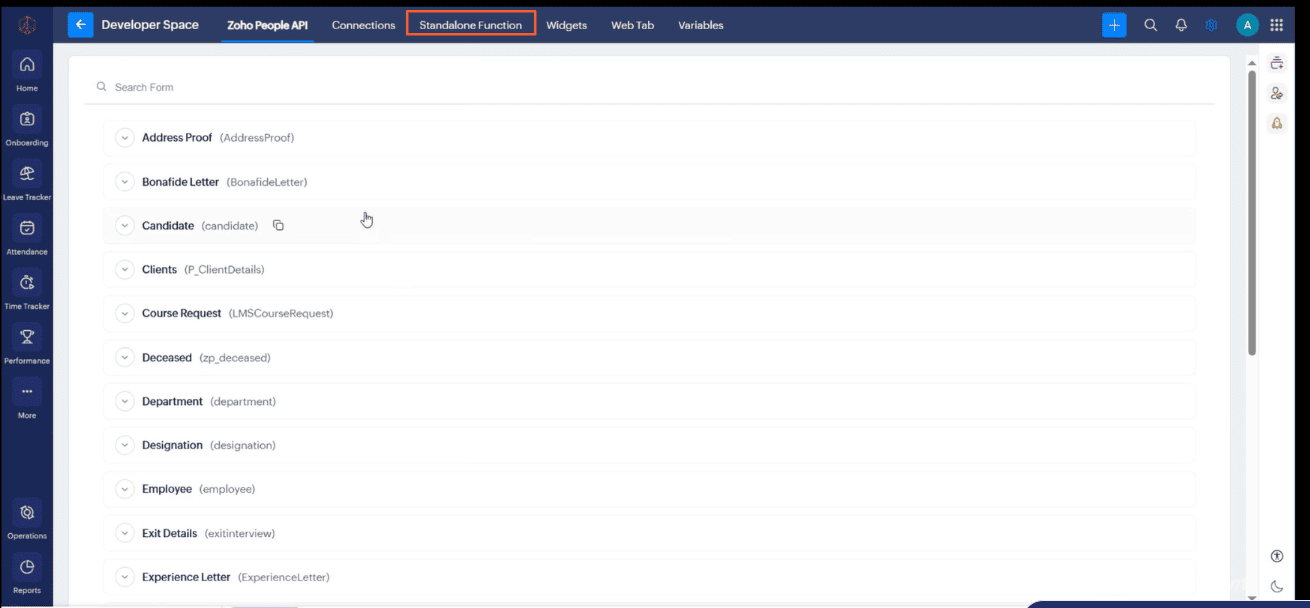
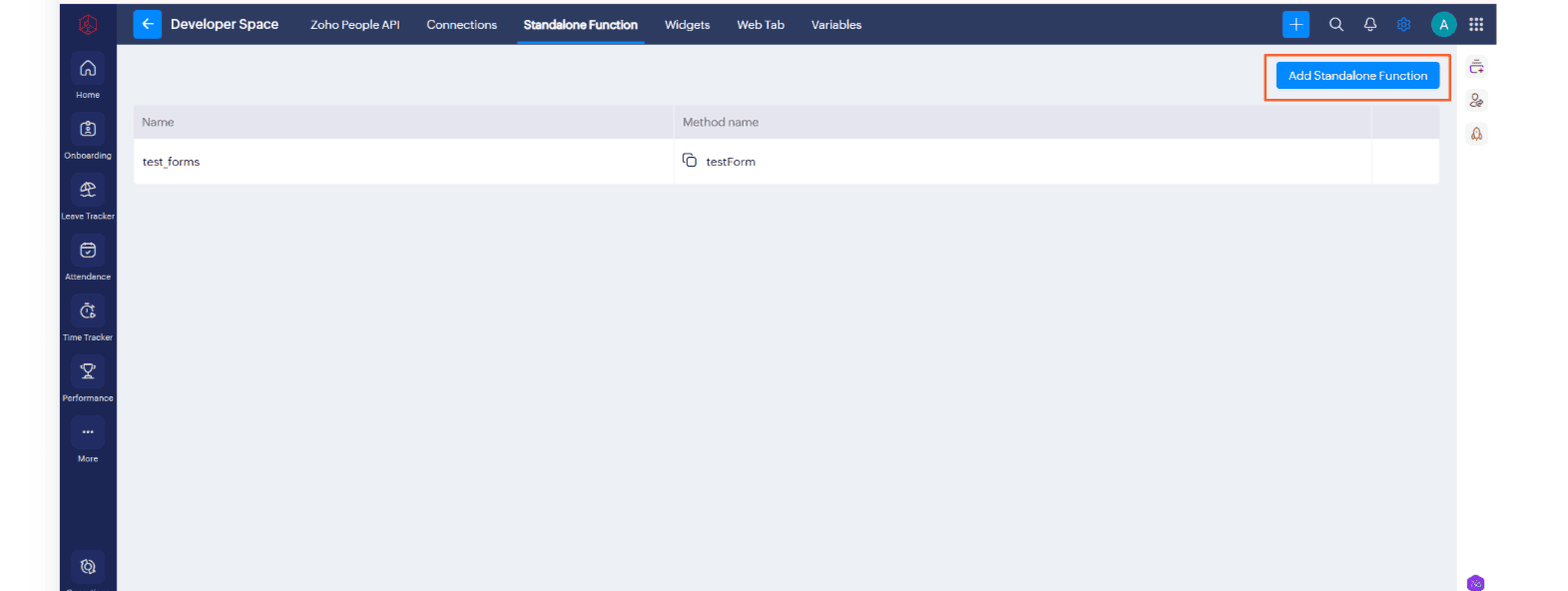
2.3 Click ""Add Standalone Function''"
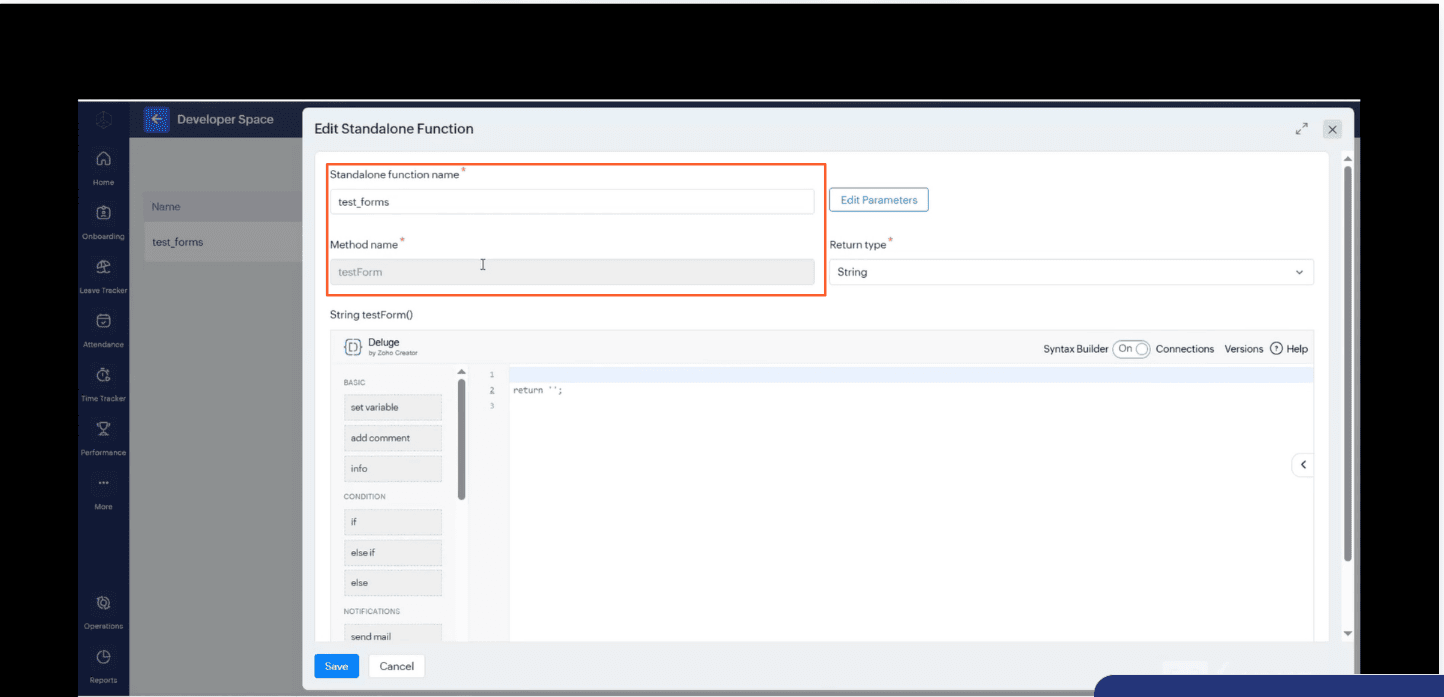
2.4 Provide "" Function Name"" and "" Method Name ""
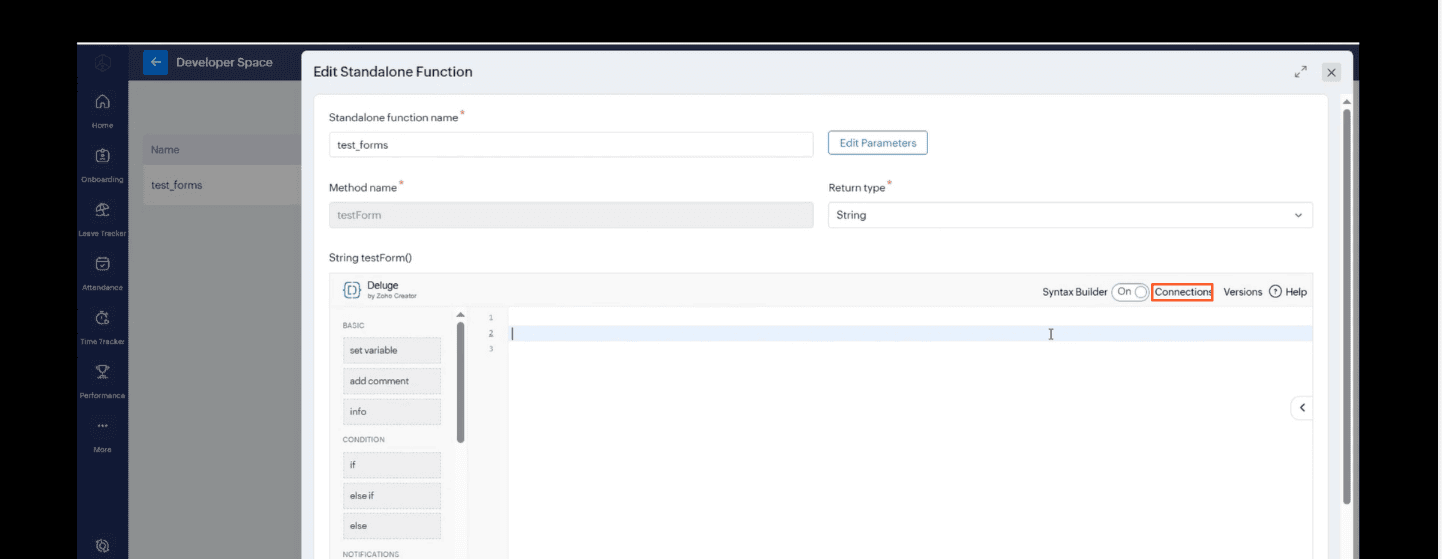
2.5 Click On the "" Connections ""on the top right
2.5 On ""Search Connection"" select ""Zoho people ""
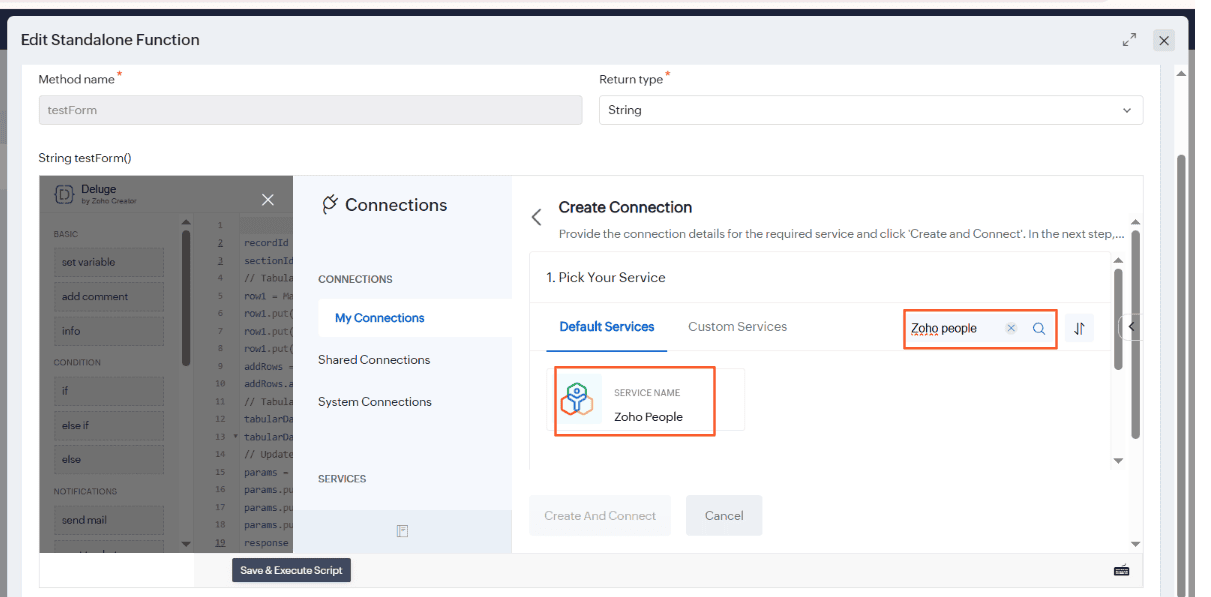
2.5 Provide Connection Name and Define Scope
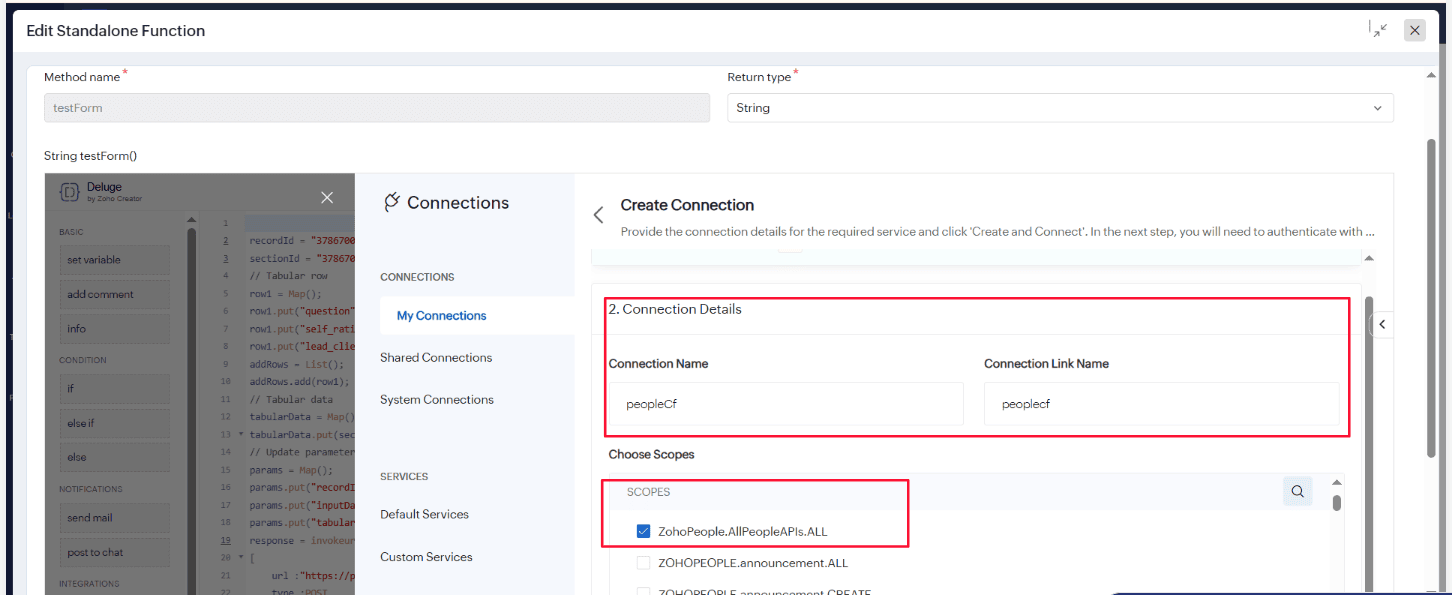
2.6 Click Blue Save Button
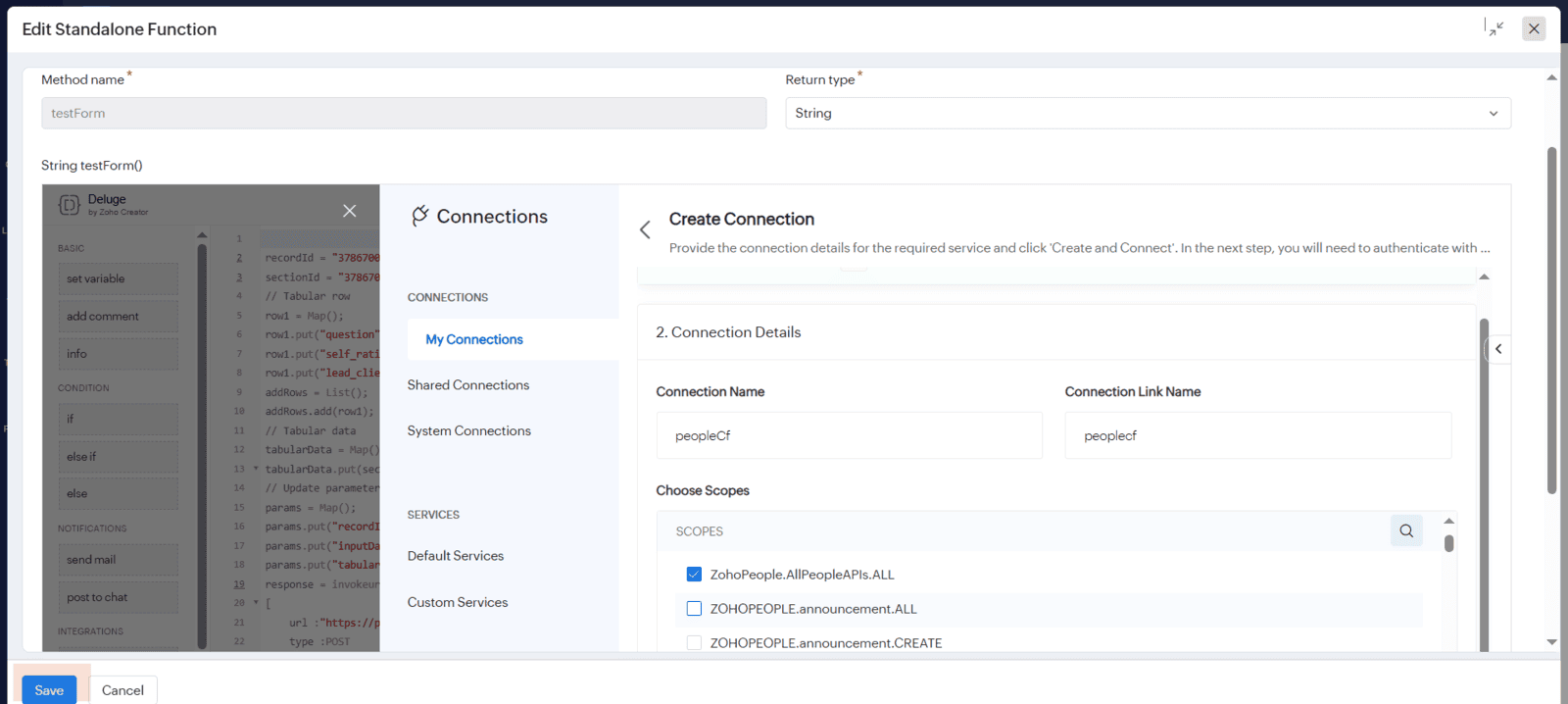
Here is the complete Deluge script to create or update data within tabular sections:
recordId = "378670000000330003";
sectionId = "378670000000328110";
// Tabular row
row1 = Map();
row1.put("question","Is Skilled For Job?");
row1.put("self_rating","5");
row1.put("lead_client_rating","4");
addRows = List();
addRows.add(row1);
// Tabular data
tabularData = Map();
tabularData.put(sectionId,{"add":addRows});
// Update parameters
params = Map();
params.put("recordId",recordId);
params.put("inputData","{}");
params.put("tabularData",tabularData.toString());
response = invokeurl
[
	url :"https://people.zoho.in/people/api/forms/json/performance_review/updateRecord"
	type :POST
	parameters:params
	connection:"peoplecf"
];
info response;
return response.toString();


